Services
Repair, replacement, metal, and storm damage, written as pages a homeowner can read on a phone in the driveway.
Websites for roofers
The website is how a homeowner meets the company. It names the services, the storm work, and the area you cover. It is your site, on your domain. When the job is an insurance loss, the claim is written in Roofer Vault.
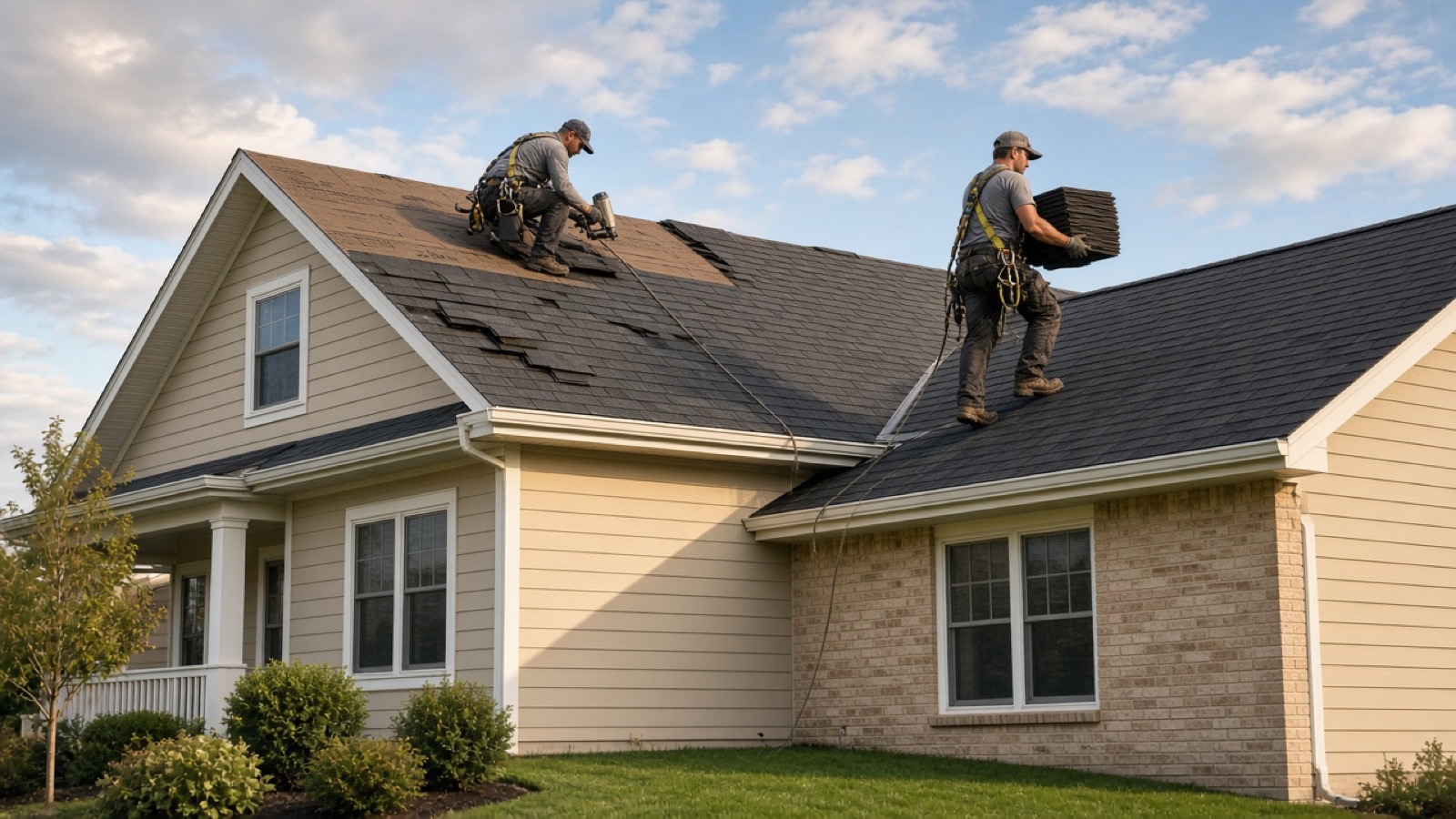
Repair, replacement, metal, and storm damage, written as pages a homeowner can read on a phone in the driveway.
The cities you work, linked from the homepage. The phone and the company name match the CRM.
A call, or a lead that lands as a homeowner and an address in the CRM, instead of a form that never becomes a job.
Insurance work opens Roofer Vault: policy, the loss, roof photos, and a package a carrier can open.
The site is yours, on your domain, not a template you cannot take with you.
Titles, city pages, and a sitemap are part of the site. The SEO service is that work, not a plugin you rent.

The handoff
Services, cities, and a phone number a homeowner can tap. The lead is a homeowner and a property in the CRM. If the roof is an insurance loss, Roofer Vault is where the claim and the photos are written.
No. The website is public. The CRM is where the company tracks the job from lead to paid. They share the company name, the phone, and the claim.
Yes. Roofer Vault is the insurance claim software the CRM opens on a job: the loss, the photos, and the package.